

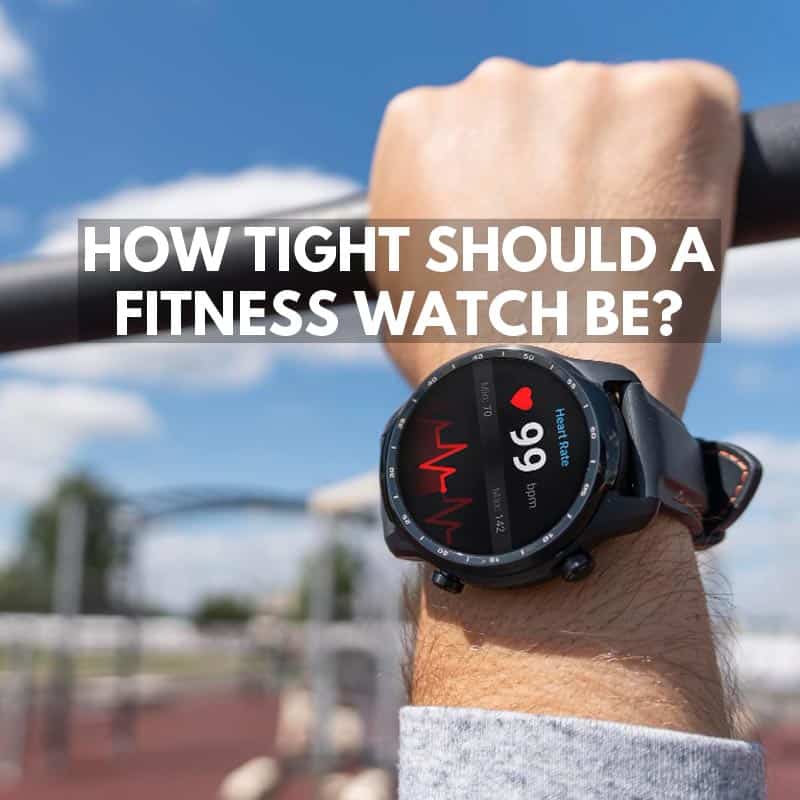
A fitness watch should be snug enough that the sensors stay in constant contact with your skin, but never so tight that it feels restrictive, leaves deep marks, causes tingling, or cuts into your wrist. For exercise, I tighten mine slightly and wear it a little higher above the wrist bone. Once the workout is finished, I loosen it again.
That basic rule applies to Apple Watch, Garmin, Fitbit, Samsung Galaxy Watch and most other wrist-based fitness trackers that use optical sensors on the underside of the watch.
The mistake is thinking tighter always means more accurate.
It doesn’t.
The sensor needs reliable skin contact, but manufacturers consistently recommend a snug, comfortable fit rather than an overtightened strap.
- RELATED: Strongest Outdoor Watches
QUICK ANSWER
Normal daily wear: Snug but comfortable. The watch should stay on top of your wrist while still allowing a small amount of movement.
Exercise: Move it slightly higher above the wrist bone and tighten it enough that the sensor doesn’t shift while running or training.
Too tight: Deep strap marks, numbness, tingling, throbbing, irritation or noticeable restriction.
Too loose: The watch rotates around your wrist, slides over the wrist bone or repeatedly loses heart-rate readings.
How Tight Should a Fitness Watch Be While Exercising?
During exercise, I wear a fitness watch slightly tighter than I do during the rest of the day.
The aim is to stop the optical sensor moving around while your arm is swinging.
It should still feel comfortable.
If you can feel the strap squeezing your wrist, you have gone too far.
Apple recommends tightening the Apple Watch band for workouts and loosening it again afterwards. Garmin gives very similar advice and says the watch should sit above the wrist bone, feel snug but comfortable and not shift while running or exercising.
So the practical method is:
- Move the watch slightly above the wrist bone.
- Tighten it until the sensor stays firmly against your skin.
- Shake your arm and move your wrist.
- If the watch slides around, tighten it one small step.
- If you feel pressure, throbbing or restriction, loosen it.
- Loosen the band again once your workout finishes.
I don’t want the watch floating around while running because every movement between the sensor and skin makes accurate optical readings harder.
But I definitely don’t want it clamped onto my wrist.
How Tight Should a Smartwatch Be During the Day?
For normal daily wear, the watch can be a little looser than during exercise.
It should stay facing upwards on your wrist without constantly rotating or sliding over the wrist bone.
I think the old advice in this article saying a watch should have “about an inch of movement” was too much.
An inch of travel is enough for some watches to move directly over the wrist joint and interfere with sensor contact.
A better test is:
The watch should stay where you put it during normal movement, while still feeling comfortable enough that you largely forget you are wearing it.
It is fine if you can move it slightly with your other hand.
What I don’t want is a watch that freely spins around the wrist or falls down onto the hand every time I lower my arm.
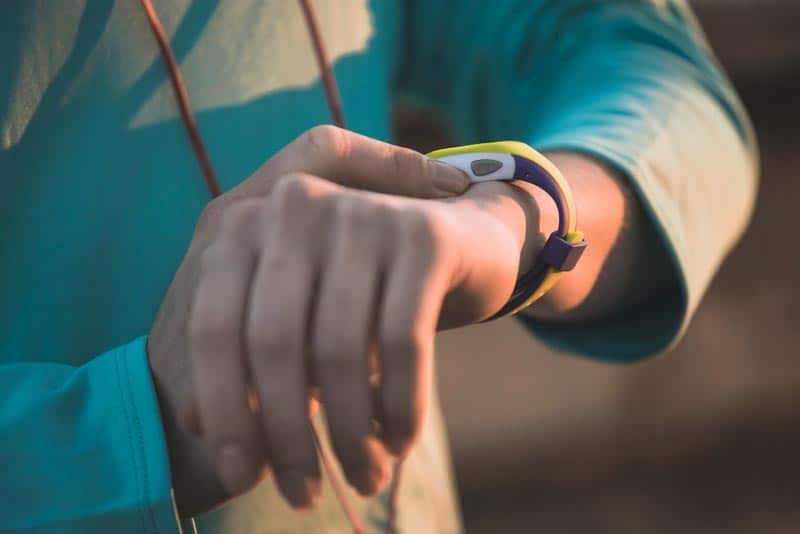
Should a Fitness Watch Be Tight for Measuring Heart Rate?
Fitness watches use optical heart-rate sensors, commonly based on photoplethysmography (PPG).
LEDs shine light into the skin and the sensor detects changes associated with blood flow.
That means good skin contact matters.
It does not mean crushing the watch into your wrist produces a better reading.
For the best reading:
- Keep the sensor flat against your skin.
- Wear the watch above the wrist bone rather than directly on it.
- Keep the strap snug enough that the sensor doesn’t bounce during movement.
- Make sure the back of the watch and your skin are reasonably clean.
- Avoid wearing it so tight that circulation feels restricted.
If the watch keeps losing your heart rate during running, tighten it one notch or move it slightly higher up your forearm before assuming the sensor is faulty.
Where Should a Fitness Watch Sit on Your Wrist?
For normal use, I wear the watch just above the wrist bone.
For exercise, moving it slightly farther up the arm often improves stability.
Garmin recommends wearing its watches above the wrist bone, and its wear guidance suggests roughly two finger widths above the wrist bone for wrist-worn sensors.
That position helps because the watch is sitting on a flatter, fleshier part of your wrist rather than bouncing around on the prominent bone.
There is no need to wear it halfway up your forearm.
A small change in position can make a noticeable difference.
How Do You Know if a Fitness Watch Is Too Tight?
A light temporary mark from a watch strap doesn’t automatically mean it is too tight.
The signs I pay attention to are:
- Numbness or tingling in the hand or fingers
- Throbbing underneath the strap
- Deep marks that remain for a long time
- Skin pinching around the edges of the strap
- Redness, soreness or itching
- Feeling immediate relief when you undo the strap
If any of those happen, loosen it.
You shouldn’t have to tolerate discomfort just to get fitness data.
Apple specifically describes the correct fit as neither too tight nor too loose, with enough room for the skin to breathe.
How Do You Know if a Fitness Watch Is Too Loose?
The opposite problem is easier to spot.
A fitness watch is probably too loose if:
- The face rotates onto the inside of your wrist by itself.
- The watch repeatedly falls down onto your hand.
- You can see daylight between the sensor and your skin.
- Heart-rate readings regularly disappear during movement.
- The watch bangs against your wrist while running.
I want a small amount of movement during normal daily wear, but not enough that the sensor repeatedly loses contact.
How Tight Should You Wear a Fitness Watch in Bed?
I don’t tighten a fitness watch specifically for sleeping.
If anything, I prefer it slightly more relaxed than during exercise.
It still needs skin contact for sleep tracking and overnight heart-rate measurements, but your arm isn’t swinging around like it is during a run.
I used to wake up with obvious strap imprints and think that was fine because the watch had stayed in contact all night.
I wouldn’t use that as the target fit now.
A faint temporary mark can happen, but you shouldn’t wake up feeling as though the watch has been digging into you for eight hours.
For overnight use:
- Keep it snug enough to stay positioned.
- Don’t tighten it specifically for sleep.
- Give irritated skin a break.
- Keep the band clean and dry.
If you find the watch becomes tighter overnight, loosen it one notch before bed.
Should You Wear a Fitness Watch Facing Inward?
Usually, no.
Most major manufacturers design wrist-based optical sensors to be worn on the top of the wrist.
Apple explicitly says its sensors work when the watch is worn on top of the wrist.
Garmin also recommends wearing its devices on the outside of the wrist.
Some people can still get readings when wearing a watch inward, but I wouldn’t do it purely because you assume the pulse is stronger there.
A smartwatch does not measure your pulse in the same way as putting two fingers on the inside of your wrist.
For the best chance of consistent readings, wear it the way the manufacturer designed it.

Can Wearing a Smartwatch Too Tight Affect Accuracy?
Potentially.
Optical sensors need contact with the skin, but they also rely on detecting changes in blood volume beneath the skin.
Garmin’s own guidance says the watch should be snug enough that the skin moves with it, but not tight enough to restrict blood flow.
So there is no advantage in ratcheting the strap tighter and tighter.
The sweet spot is where:
- The sensor remains in contact.
- The watch doesn’t bounce.
- The wrist still feels completely normal.
That is the fit I would aim for.
Why Does My Fitness Watch Leave a Mark?
A mild temporary imprint can happen, especially with silicone straps.
That doesn’t necessarily mean the watch is dangerously tight.
What matters is how the skin feels.
If the mark disappears quickly and there is no soreness, itching or discomfort, I wouldn’t worry much.
If you develop:
- Persistent redness
- A rash
- Broken skin
- Swelling
- Repeated itching
then stop wearing the watch on that area until the skin recovers.
Both Apple and Garmin recommend keeping the watch, strap and skin clean and dry, especially after sweaty workouts.
Sometimes the problem isn’t tightness at all.
It is a sweaty strap sitting against the same patch of skin day after day.
Different Types of Fitness Watch Straps
The strap can make almost as much difference as the watch.
Silicone and Rubber
Silicone or rubber-style straps are still my default for exercise.
They are:
- Lightweight
- Water resistant
- Easy to clean
- Simple to adjust
- Stable during running
The main downside is that sweat can sit underneath them.
I rinse them regularly and dry both the strap and my wrist after exercise.
Nylon and Fabric
Fabric straps can be extremely comfortable because you can fine-tune the fit instead of jumping from one buckle hole to another.
That makes them particularly good if one hole on a standard strap feels too loose and the next feels too tight.
They also tend to stay secure during activity.
The downside is that they absorb sweat and water, so they need washing and drying more often.
Metal
Metal bracelets can look much better if you wear the same watch to work and to exercise.
For serious training, I still prefer silicone or nylon.
Metal is heavier, and depending on the adjustment system it may be harder to get exactly the right tension for optical heart-rate tracking.
Leather
Leather is my least favourite material for a fitness watch that is actually used for fitness.
It is comfortable for casual wear but doesn’t love:
- Sweat
- Repeated soaking
- Swimming
- Regular washing
If I owned a smartwatch with a nice leather strap, I would probably keep a separate silicone or nylon strap for training.

How Tight Should Different Fitness Watches Be?
The broad rule is basically the same across the major brands.
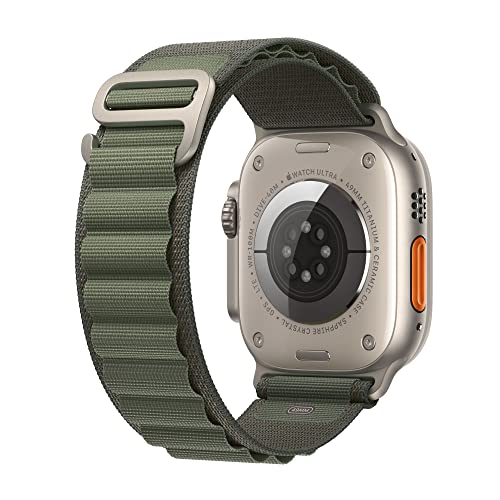
How Tight Should an Apple Watch Be?
Apple’s wording is excellent:
Not too tight, not too loose.
The back of the Apple Watch needs skin contact for wrist detection and the optical sensors.
For workouts, Apple recommends tightening the band slightly, then loosening it again afterwards.
I would wear it:
- Flat on top of the wrist
- Above the wrist bone
- Snug during exercise
- Slightly more relaxed during everyday wear
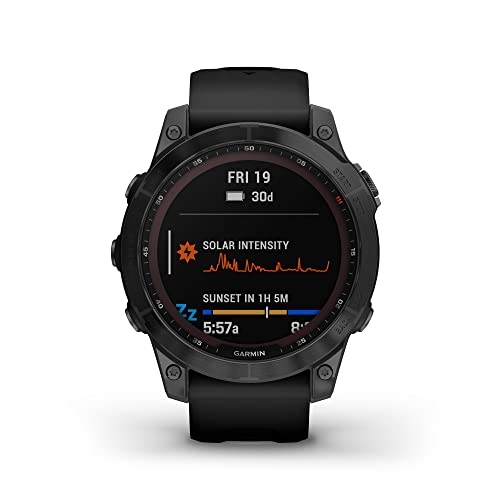
How Tight Should a Garmin Watch Be?
Garmin is slightly more specific.
For normal wear, Garmin says wrist-worn devices can have some back-and-forth movement.
For an activity, tighten the strap so the optical heart-rate sensor has a snug but comfortable fit and doesn’t shift while running or exercising.
Garmin also recommends positioning the watch above the wrist bone.
That matches how I wear mine.
For hiking around all day, I don’t mind a little movement.
For running, I tighten it enough to stop it bouncing.
How Tight Should a Fitbit Be?
Fitbit should also sit snugly without being restrictive.
During exercise, move it slightly higher up the wrist and tighten it enough to maintain sensor contact.
I would not use the old rule of tightening it until you can “just about” force one finger underneath.
Different fingers, wrists and straps make that far too inconsistent.
Instead, use the movement test:
If the Fitbit stays flat against your skin during exercise without feeling tight, the fit is right.
How Tight Should a Samsung Galaxy Watch Be?
The same principle applies to Samsung Galaxy Watch models.
Wear the watch on top of the wrist with the sensor flat against your skin.
For exercise, I would tighten it enough to prevent sliding and loosen it again when finished.
If the watch is moving around during a workout, optical readings are more likely to become inconsistent.
Should You Tighten a Fitness Watch One Hole During Exercise?
Often, yes.
With a conventional buckle strap, I commonly find that one extra hole is enough to move from comfortable daily wear to secure exercise wear.
But don’t treat that as a rule.
Some straps have very closely spaced holes while others make a large jump between settings.
Nylon hook-and-loop straps are useful because you can make much smaller adjustments.
The test matters more than the hole number:
Does the watch stay still without feeling restrictive?
If yes, leave it there.
Can a Fitness Watch Be Too Tight While Running?
Absolutely.
Running doesn’t mean the watch should be strapped on as tightly as possible.
Your wrist and forearm can also change slightly with heat, exertion and circulation.
A strap that felt fine before the run can start feeling overly tight once you warm up.
If you notice:
- Numbness
- Tingling
- Pressure
- Throbbing
- Pain
loosen it immediately.
You only need enough tension to stop sensor movement.
Does Hair Affect Fitness Watch Heart-Rate Readings?
It can, although usually the fit and placement matter more.
Anything that interferes with the optical path between the sensor and your skin can potentially make readings less consistent.
I wouldn’t shave my wrist just to use a fitness tracker.
First try:
- Tightening the strap slightly.
- Moving the watch a little higher up your arm.
- Trying the other wrist.
- Cleaning the sensor.
Tattoos can also interfere with optical wrist sensors because some inks absorb the light used by the sensor.
If you have a heavily tattooed wrist and readings are unreliable, trying the opposite wrist is worth doing.
Can You Wear a Fitness Watch All Day?
Yes, plenty of people do.
I do think it is worth occasionally giving the skin underneath a break.
A smartwatch can spend almost 24 hours a day pressed against one small area if you track exercise and sleep.
Good habits include:
- Cleaning the strap after sweaty exercise.
- Drying your wrist before putting it back on.
- Taking it off while charging.
- Loosening it outside workouts.
- Switching wrists temporarily if the skin becomes irritated.
Keeping everything clean and dry is more important than most people realise.
My Simple Fitness Watch Fit Test
If you are unsure whether your watch is tight enough, this takes about ten seconds:
- Put the watch just above your wrist bone.
- Fasten it so it feels comfortably snug.
- Shake your hand hard for a few seconds.
- Rotate your wrist.
- Do a few running-style arm swings.
If the watch remains flat against your wrist without sliding around, it is tight enough.
If it bounces, tighten it slightly.
If you can constantly feel pressure from the strap, loosen it.
Final Verdict
So, how tight should a fitness watch be?
Snug enough to maintain reliable skin contact, but never tight enough to restrict blood flow or become uncomfortable.
For normal daily wear, allow a little movement.
For exercise, move the watch slightly higher above the wrist bone and tighten it enough that the sensor stays still.
When the workout is over, loosen it again.
That simple approach works for Apple Watch, Garmin, Fitbit, Samsung and almost every other optical wrist-based fitness tracker I have used.
The best fit isn’t the tightest setting you can tolerate.
It is the loosest setting that still keeps the sensor stable and consistently touching your skin.
I hope this guide helps you get a more comfortable fit and more consistent readings from your fitness watch.






[…] you will be using your watch for fitness purposes, the step-tracking feature is a great way to measure the distance you have walked. If you […]